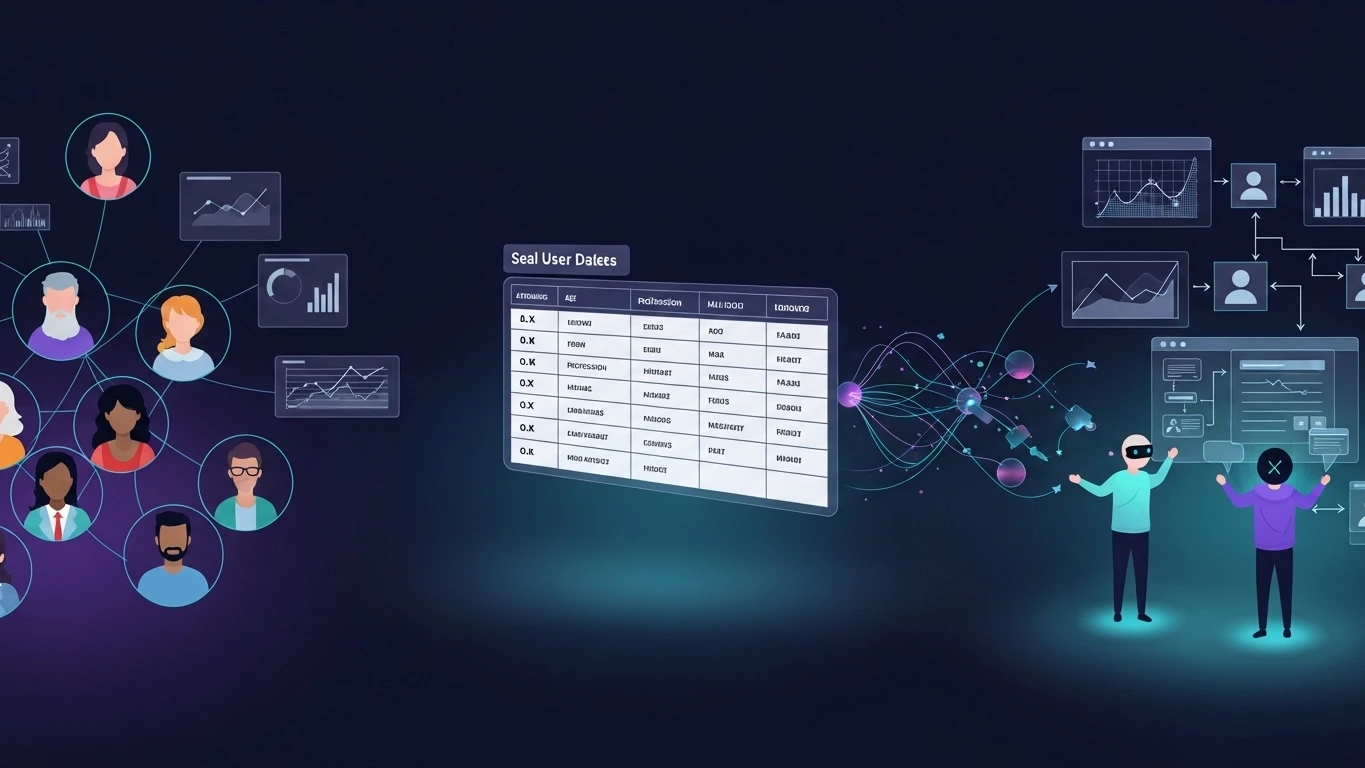
For decades, user-centered design has been built on a simple principle: Product decisions should be informed by real users. That principle remains true today. However, the context of digital product development has changed dramatically. Product teams iterate faster than ever, generating new ideas and hypotheses continuously, while the time required to conduct traditional user research often becomes a constraint. In this environment, new tools are emerging that allow teams to explore hypotheses before conducting formal research. One of the most promising approaches is the use of AI-driven synthetic users. But there is a critical condition that is often overlooked: Synthetic users only provide value when they are grounded in real data. Without empirical data about the target population, synthetic simulations are nothing more than speculation.
What Synthetic Users Actually Are
A synthetic user is an artificial intelligence agent designed to simulate how a particular type of user might behave when interacting with a digital product.
Unlike traditional UX personas, synthetic users can:
interact with product interfaces
make decisions during tasks
articulate reasoning and expectations
highlight potential friction points
However, their behavior should never be invented arbitrarily.
Instead, synthetic users must derive their attributes from real user data.
Examples of useful data sources include:
product analytics
market research datasets
customer surveys
demographic distributions
previous UX research findings
When grounded in these inputs, synthetic users can form a simulated population that reflects real behavioral patterns.
The Most Common Mistake: Inventing Users
A frequent misconception around synthetic users is the idea that they can simply be generated through prompts without any empirical grounding.
This approach produces simulations with little or no research value.
To be meaningful, synthetic users must reflect the real structure of a user population.
For example, imagine a product with the following user base distribution:
40% early-career professionals
35% mid-career professionals
25% occasional users with low digital experience
A synthetic population should reproduce these proportions.
The simulation does not invent users.
It replicates the structure of an existing population.
How Synthetic Populations Are Created
Building a meaningful synthetic user simulation typically involves three steps.
1. Define the Real Sample
The first step is gathering data that describes the user population.
Examples include:
age distribution
geographic location
professional background
income levels
digital literacy
familiarity with similar products
2. Build a Population Model
Using that data, a population dataset is constructed.
Each row in the dataset represents a realistic user segment.
This dataset becomes the knowledge base used to generate synthetic users.
3. Generate Individual Agents
AI agents are then created using those dataset attributes.
Each agent represents a realistic combination of demographic and behavioral characteristics.
This allows teams to run simulations with dozens, hundreds, or thousands of representative users.
Where Synthetic Users Provide Value
Synthetic users are most valuable in a specific stage of the UX process.
Discovery
During discovery, teams typically ask questions such as:
Where might this flow break?
Which parts of the experience could cause confusion?
What assumptions should we validate with real users?
Synthetic simulations can help teams identify early signals of friction and generate hypotheses to investigate further.
Where Synthetic Users Should NOT Be Used
Understanding the limitations of synthetic users is just as important.
Synthetic users should not be used to:
validate final designs
replace usability testing
understand emotional reactions
study cultural or contextual behaviors
make critical product decisions
In these stages, real human users remain essential.
Synthetic users should be viewed as a discovery accelerator, not a replacement for research.
The Required Foundation: A Population Dataset
Before generating synthetic users, teams must create a population dataset describing their real audience.
Step 1 — Generate the Population Dataset
Start by using the Population Dataset Prompt.
This prompt helps convert research insights into a structured dataset representing your real user population.
Provide context such as:
the product or service
the market or industry
the target audience
The prompt will generate a population table with multiple user segments, including attributes like:
age range
location
profession
income level
education level
digital literacy
devices used
motivations
frustration triggers
This table becomes the foundation for generating synthetic users.
Step 2 — Use the Dataset as the Knowledge Base
Once the table is created, insert it into the Synthetic User Simulation Prompt as the Population Dataset.
The table functions as a knowledge base, ensuring that all synthetic users are generated strictly from real user segments defined in the dataset.
Important rule:
Synthetic users should never invent attributes outside the dataset.
Each generated agent must correspond to one of the defined user segments.
Step 3 — Run the Simulation Prompt
Next, use the Synthetic User Simulation Prompt to simulate how users from the dataset interact with your product.
Provide three elements:
Product Context
A short description of the product, feature, or prototype.
User Task
The task the synthetic user should attempt (for example: creating an account, completing a checkout flow, or booking a service).
Population Dataset
The table generated in Step 1.
The AI will then:
Select a user segment from the dataset
Generate a synthetic user based on that profile
Simulate the interaction with the product
Explain reasoning during each step
Identify potential friction points
Step 4 — Run Multiple Simulations
To identify patterns, run the simulation multiple times across different segments in the dataset.
For example:
run simulations for each segment in the population table
repeat tasks across different segments
compare interaction outcomes
Look for patterns such as:
repeated confusion points
unclear interface elements
unexpected user expectations
These insights can help identify potential usability issues worth validating with real users.
Prompt to Generate the Population Dataset
This prompt helps create the knowledge base table used to build synthetic users.
You are a UX research assistant specialized in population modeling.

Your task is to generate a structured user population dataset based on the context provided.

Instructions:

1. Identify meaningful user segments.
2. Define realistic demographic distributions.
3. Include behavioral attributes relevant to product interaction.
4. Generate a structured population table.

Required Columns:

Age Range
Location
Profession
Income Level
Education Level
Digital Literacy
Devices Used
Experience With Similar Products
Motivation
Frustration Triggers
Decision Style
Time Pressure

Context:
[Describe the product, market, and target audience]

Output:
Generate a structured table representing multiple user segments.
Downloadable Skill: Synthetic User Simulator
Suggested file name:

synthetic-user-simulator-skill.md
Copy the Skill content
# Synthetic User Simulator Skill

## Purpose

This skill generates synthetic users based strictly on real population datasets for UX discovery simulations.

Synthetic users created using this skill must always derive their attributes from the provided population dataset.

The skill must never invent demographic distributions.

---

## Required Knowledge Base

A population dataset with the following fields:

Age Range
Location
Profession
Income Level
Education Level
Digital Literacy
Devices Used
Experience With Similar Products
Motivation
Frustration Triggers
Decision Style
Time Pressure

Each row represents a real user segment.

---

## Behavior Simulation Rules

The synthetic user must:

1. Behave consistently with the attributes provided
2. Simulate realistic decision-making
3. Identify confusion or friction
4. Express expectations during interaction
5. Abandon tasks if the difficulty exceeds tolerance

---

## Simulation Output Format

User Profile
Task Goal

Interaction Simulation

Step
Reasoning
Expectation
Pain Point
Confidence Level

---

## Limitations

Synthetic users generated by this skill are intended only for:

• UX discovery
• hypothesis exploration
• early friction detection

They must not replace real user research.
Prompt to Use the Skill with the Knowledge Base
This prompt executes the simulation using the population dataset.
You are using the Synthetic User Simulator Skill.

Knowledge Base:
Use the population dataset provided below.

Instructions:

1. Select one user profile from the dataset.
2. Generate a synthetic user strictly based on that profile.
3. Simulate how this user would interact with the product described.
4. Identify potential friction points.
5. Provide reasoning behind each action.

Product Context:
[Describe the product or feature]

User Task:
[Describe the task the user must complete]

Population Dataset:
[Insert the population table]

Output Format:

User Profile

Interaction Simulation

Step
Reasoning
Expectation
Pain Point
Confidence Level