Most designers using AI prototyping tools are burning tokens on the wrong thing. This is an open source Claude Code skill that converts a Figma link into a structured prompt before it reaches any AI — and the efficiency gains are significant.
There is a quiet inefficiency built into every AI prototyping workflow that starts with a Figma link. You attach the frame. The tool processes the entire design file — every layer, every nested component, every piece of metadata — to produce something the AI can act on. Credits get consumed based on the size and complexity of what you attached. And most of what you sent was not needed for the specific generation task you had in mind.
I noticed this pattern when I started tracking credit usage across Figma Make sessions. The output quality was inconsistent, the iteration cycles were longer than they should have been, and the cost per prototype was higher than I could justify for fast exploratory work. The attachment size was the bottleneck — not the generation itself.
So I built a Claude Code skill to address it. The result is Figma-to-AI Prompter — an open source skill that reads a Figma link via the API, extracts only the design information relevant to the task, and formats it into a lean, structured text prompt before it ever reaches an AI prototyping tool. The prompt size reduction is up to 97%. The output quality improves because a focused specification outperforms a full design dump. And the iteration count drops because the AI is working from exactly what it needs — nothing more.
The Figma file already has everything the AI needs. The problem is that attaching the whole thing sends far more than the task requires — and you pay for all of it. The fix is sending less, not differently.
— Roy Villasana
Why Design Attachments Are Expensive and Often More Than You Need
Here is something worth understanding before we go further: Figma Make does not send your design as a screenshot. According to Figma's own documentation, when you attach a Figma frame, the AI reads the structured design data directly — layers, components, hierarchy, content. It only falls back to an image if the file is too large to fit in the prompt context window. So the problem is not image inference. The problem is something subtler and, in practice, more expensive.
When you attach a full Figma frame, you send everything: every layer, every nested component, every hidden element, every piece of metadata the file contains. The AI has to process all of it to understand the part you actually care about. Figma is explicit that attaching context materials increases credit consumption based on size and complexity — and a complete design frame is almost always larger than what the generation task actually requires.
The structured prompt approach works differently. Instead of sending the entire frame and letting the AI figure out what matters, the skill extracts only the information relevant to the generation task — component names, layout structure, hierarchy, text content, spacing relationships — and formats it into a compact, targeted prompt. You send less. The AI receives a clearer specification. The credit cost drops, and the output is more precise because there is less noise in the input.
This is the translation layer that was missing: not between Figma data and AI inference, but between a complete design file and a lean, task-specific prompt that the AI can act on directly.
How the Skill Works
The workflow is three steps:
1. You provide a Figma link. The skill takes the frame URL — nothing else needed. It handles authentication via the Figma API and extracts the design structure automatically.
2. The skill generates a structured prompt. It formats the extracted design data into a prompt template optimized for your target platform. The templates are different for each tool — what Figma Make needs to hear is not what Lovable needs to hear, and the skill accounts for that.
3. You paste the prompt into the AI prototyping tool. No visual attachment. No image upload. Just structured text that the AI can parse immediately and completely.
The MCP (Model Context Protocol) integration means this runs directly inside Claude Code — no separate application, no context switching, no copy-paste friction between tools.
Supported Platforms
The skill currently includes prompt templates for five AI prototyping tools:
- Figma Make (Claude model) — Interactive HTML prototypes directly in Figma
- Lovable (Claude model) — Full-stack React applications from design
- Pencil.dev — Production-ready React components
- Paper.design — HTML/CSS exports
- Google Stitch (Gemini 2.5) — Responsive UI designs
Each platform has a different expectation of prompt structure, level of detail, and component vocabulary. The skill's template library handles these differences so you don't have to think about them.
The Numbers
Across my own prototyping sessions after switching to structured prompts:
- Up to 97% reduction in prompt size compared to full design attachment workflows
- 18% reduction in execution cost by reducing attachment size and complexity
- Significantly fewer iteration cycles to reach a working prototype
- More consistent output — the AI produces the right component structure on the first pass more often
The 97% figure reflects the prompt size reduction between sending a full Figma frame attachment versus a targeted structured text prompt. The 18% execution cost reduction is what I measured consistently across Figma Make sessions after making the switch.
Why This Matters Beyond Cost
The efficiency gain is real, but the quality improvement matters more in practice. When you attach a full design file, the AI has to decide what is relevant. When you send a structured prompt derived from the design, you have already made that decision — and the AI can focus entirely on generation. The difference shows up in component naming, layout precision, and how much manual correction is needed after generation.
For designers who use AI prototyping as part of a real workflow — not just for demos — that difference is the gap between a tool that saves time and a tool that creates cleanup work.
There is also a more fundamental point: the design-to-prototype transition is a translation problem, and translation problems benefit from explicit intermediate representations. The structured prompt is that intermediate representation. It makes the intent legible to the AI with less ambiguity and less overhead.
It's Open Source
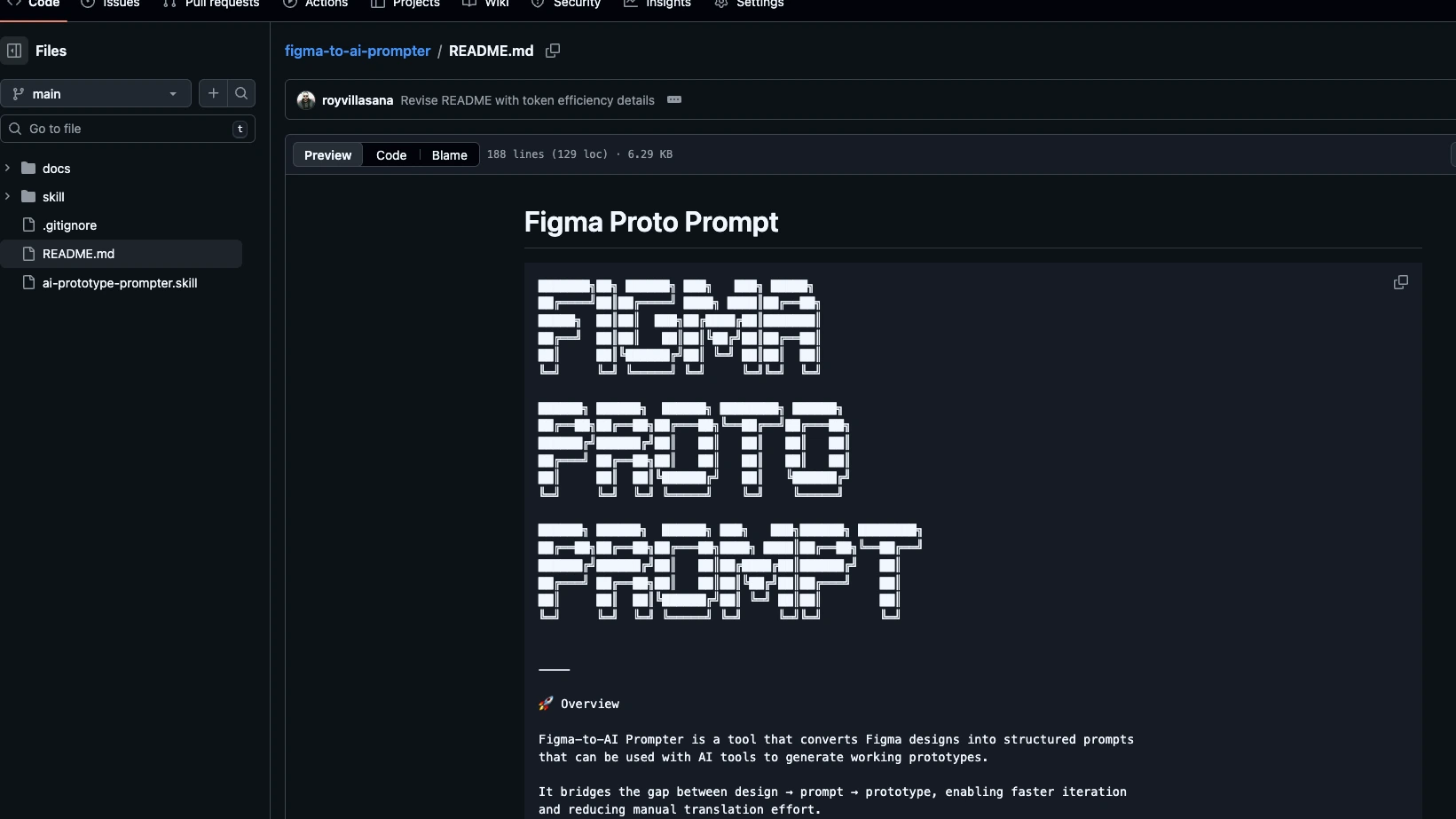
The skill is available on GitHub. The README includes setup instructions, the full list of supported platforms, and the prompt template structure so you can extend it for tools I have not covered yet.
If you are using AI prototyping tools regularly and have not measured your credit usage per session, start there. The cost of full-frame attachment workflows compounds across sessions in a way that is not obvious until you see it next to the alternative.
What's Next
The current version handles static Figma frames well. The next direction is component-aware prompting — reading Figma component properties and variant definitions to generate prompts that specify interaction states, not just visual layout. That is where the gap between a full attachment and a targeted prompt becomes most pronounced: interactions require explicit state description that a frame dump cannot convey efficiently.
If you build something with it, extend the templates, or find a platform that should be added — open an issue or send a PR. The whole point of making this open source is that the problem is shared across anyone doing serious work with AI prototyping tools.
Keywords
Figma Make token optimization, AI prototyping prompt engineering, Figma to prompt converter, reduce token usage AI tools, Claude Code skill, Figma API structured prompts, Lovable Figma workflow, AI prototype generation, open source design tools, Figma MCP integration